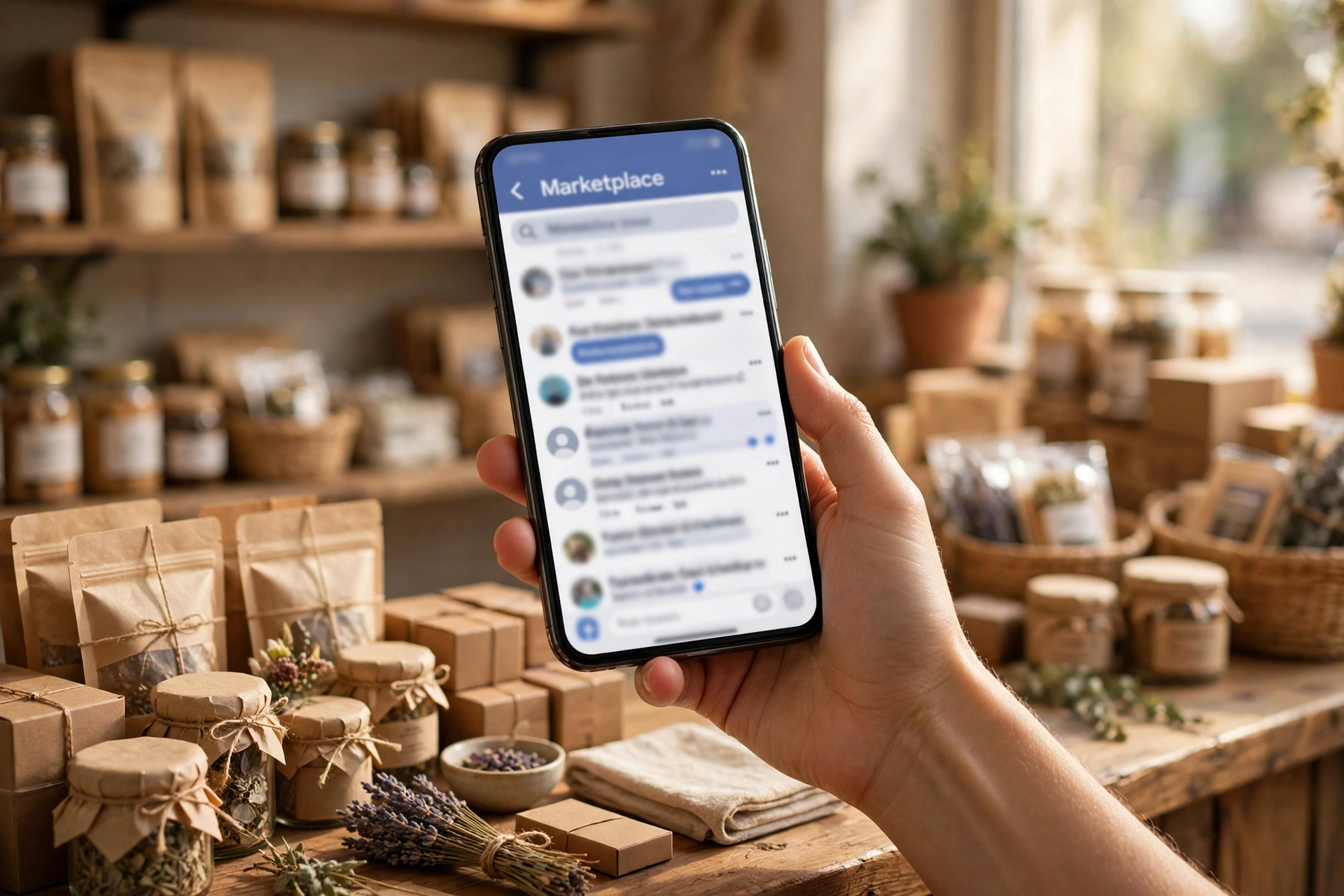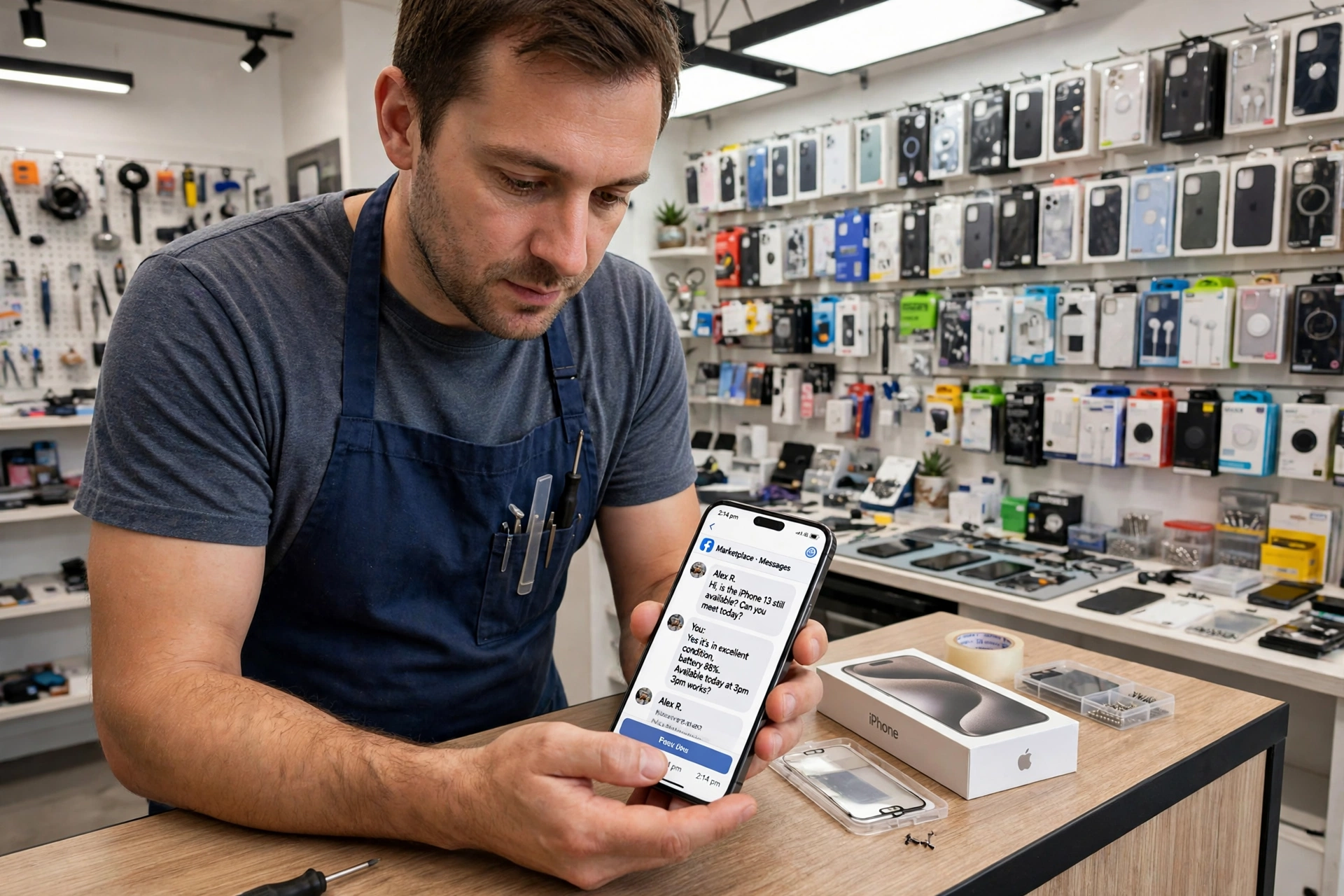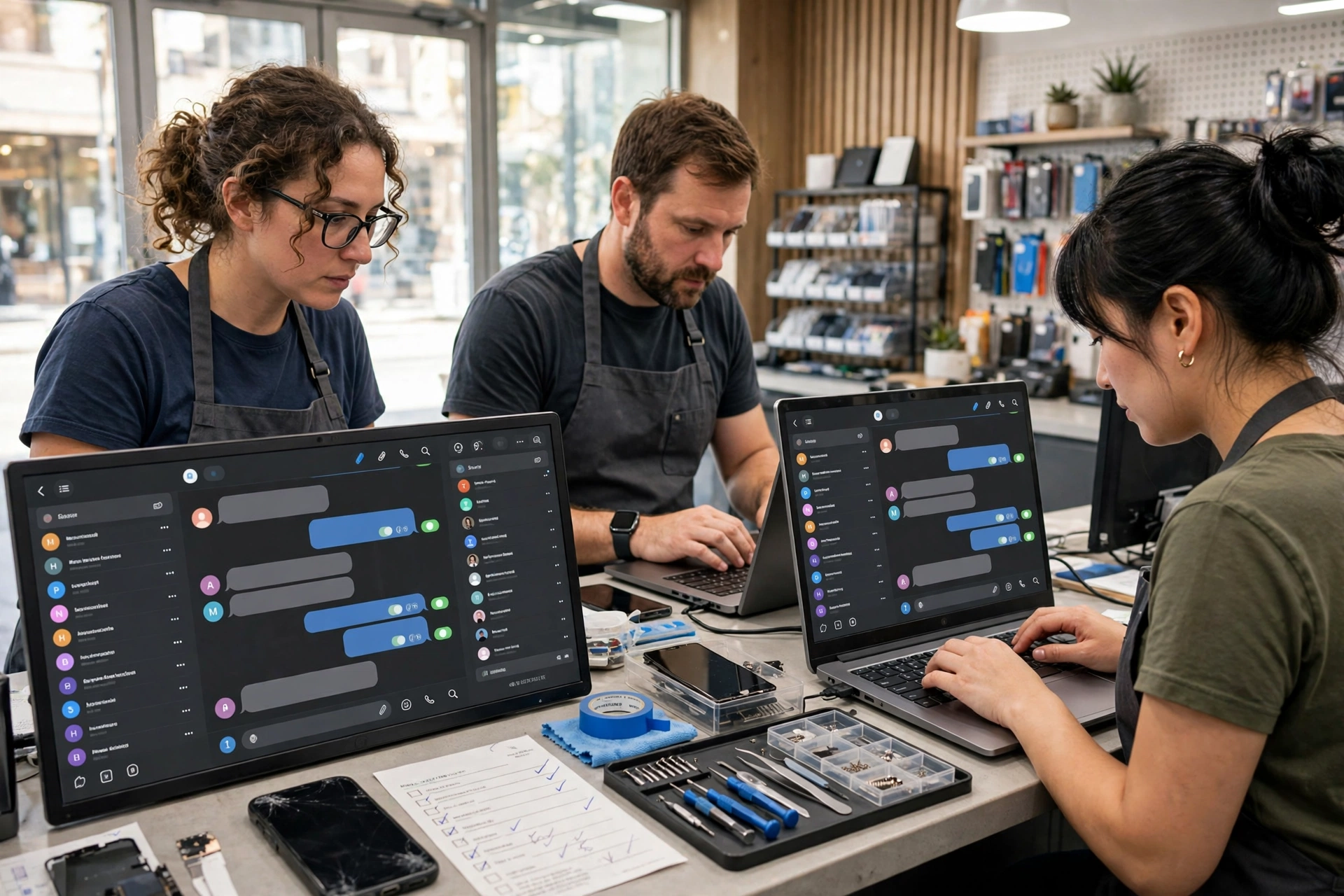
The number is printed on the shop window, the Google listing, and every receipt. Behind it, three people want to answer messages: the owner, the person at the counter, and the technician in the back. Right now they pass one phone around, or they all share a login on a spare handset at the counter.
And the cracks show every week. A customer asks about a repair quote and nobody answers, because everyone assumed someone else would. Two staff reply to the same customer with two different prices. A regular asks about their order and gets asked for their details again, because the person who helped them yesterday is off today and the chat history lives on a phone in their pocket.
This is not a people problem. It is a setup problem. A phone was built for one person, and your customer conversations now belong to the company — not to whoever happened to pick it up.
Why one phone stops working as the team grows
- No ownership. Everyone sees a new message, so everyone assumes someone else will answer it. The message that everybody saw is the message nobody answered.
- No history. When an employee leaves, or a device is lost, the context of every conversation goes with it. The next person starts from zero with a customer who has been with you for years.
- No visibility. A manager cannot see which chats are waiting, which are closed, or who handled what. The only way to know is to ask — and asking is itself a delay.
- No control. Anyone with the phone can read every chat, including payment details and complaints meant for a manager. And removing someone's access means unlinking their device and hoping nothing was copied.
- Double replies. Two people answer the same customer at the same time, sometimes with different answers. The customer does not think "busy team" — they think "disorganised shop."
Houston service businesses feel this first, because the volume is real: a phone repair shop, a salon, a cleaning company — the same number takes sales questions, appointment changes, and support in one stream, all day long.
What the WhatsApp Business app can and cannot do
The free WhatsApp Business app is built for one owner, and it is honest about that. It adds a business profile, greeting and away messages, a product catalog, labels for sorting chats, and quick replies for common answers. You can also link companion devices — up to four additional devices, such as a laptop at the counter and a tablet in the back.
For a shop with one or two people answering, that is often enough. Past that, the limits are real:
- No agent identity. Every reply goes out from the business, with no record of which staff member sent it.
- No assignment. You cannot hand a chat to a colleague, or stop two people replying to the same customer.
- Linked devices depend on the main phone. If the main phone stays offline for too long, linked devices get logged out.
- No measurement. You cannot see response time, unanswered chats, or who handled a lead.
A spare handset at the counter has the same problems, plus a security one: anyone who touches the phone can read every chat.
The setup that works: a shared inbox on the WhatsApp Business API
The WhatsApp Business Platform's Cloud API connects your business number to software instead of a phone. Your staff log in to that software with their own accounts and work from one shared inbox, in a browser or an app, from wherever they are. The number is no longer tied to a phone in someone's pocket.
Here is what changes:
- Assignment. Each conversation has an owner. A chat is assigned to one named person, so a customer is never answered twice — and never answered by nobody.
- Internal notes. Staff leave a private note on a chat for the next person — "quoted $89, waiting on part" — without the customer seeing it. The handover happens inside the conversation, not in a shouted message across the shop.
- Roles and permissions. A counter executive can reply while only a manager can see payment details or close a complaint. When someone leaves, you remove their login in seconds — the chats stay with the business.
- Saved replies and reply-time targets. Common questions get answered in two taps, and chats waiting too long get flagged before they go cold.
- A full history of who said what. Every reply shows the teammate who sent it, and an activity log records assignments, notes, and changes. When a customer says "but you promised", you can see exactly what was promised, and by whom.
You do not have to give up the phone, either. Many setups keep the WhatsApp Business app running on the same number alongside the shared inbox, so the owner can still glance at chats on their own device while the team works in the inbox.
How to move without breaking anything
- Pick the inbox before you move the number. Choose the shared-inbox software first, and check it supports your number, your team size, and the 24-hour reply window rules that govern WhatsApp business messaging.
- Map who answers what. Sales questions to one person, appointments to another, support to a third — with a clear owner for the unassigned queue, so nothing waits for "someone".
- Write the saved replies together. The five questions every customer asks — price, timing, location, availability, warranty. One approved wording each, so two staff never give two different prices again.
- Move the number, then watch the unassigned queue for a week. The first week will show you the real gaps: the hour nobody covers, the question nobody owns, the handover that keeps failing. Fix those before you declare it done.
- Set a reply-time target and measure it. If a chat waits more than an hour in business hours, it gets flagged. What gets measured gets answered.
What stays with a person
The judgement calls: what to say when a customer is upset, when to offer a discount and when to hold the line, and how to handle a complaint that needs a manager. The system keeps the watch: every chat owned by someone, every handover noted, every unanswered message flagged before it goes cold — and a record of who promised what.
A short weekly pass
Once a week, look at the inbox numbers: how many chats went unassigned, how many got two replies, what was the slowest first reply, and which saved reply got used most? The slowest hour of the week is your next hire, your next saved reply, or your next shift change — the numbers will tell you which.
One number, one inbox, one owner per conversation. That is the whole fix.
Next step
If your business WhatsApp lives on one phone and messages keep slipping through, book a free scoping call. On the call we map your Facebook and WhatsApp workflow, find where chats go unanswered, and give you a fixed quote for the automation setup. No obligation — you keep the map either way.
Related: WhatsApp lead follow-up automation for service businesses and How Houston service businesses stop losing leads from missed calls.