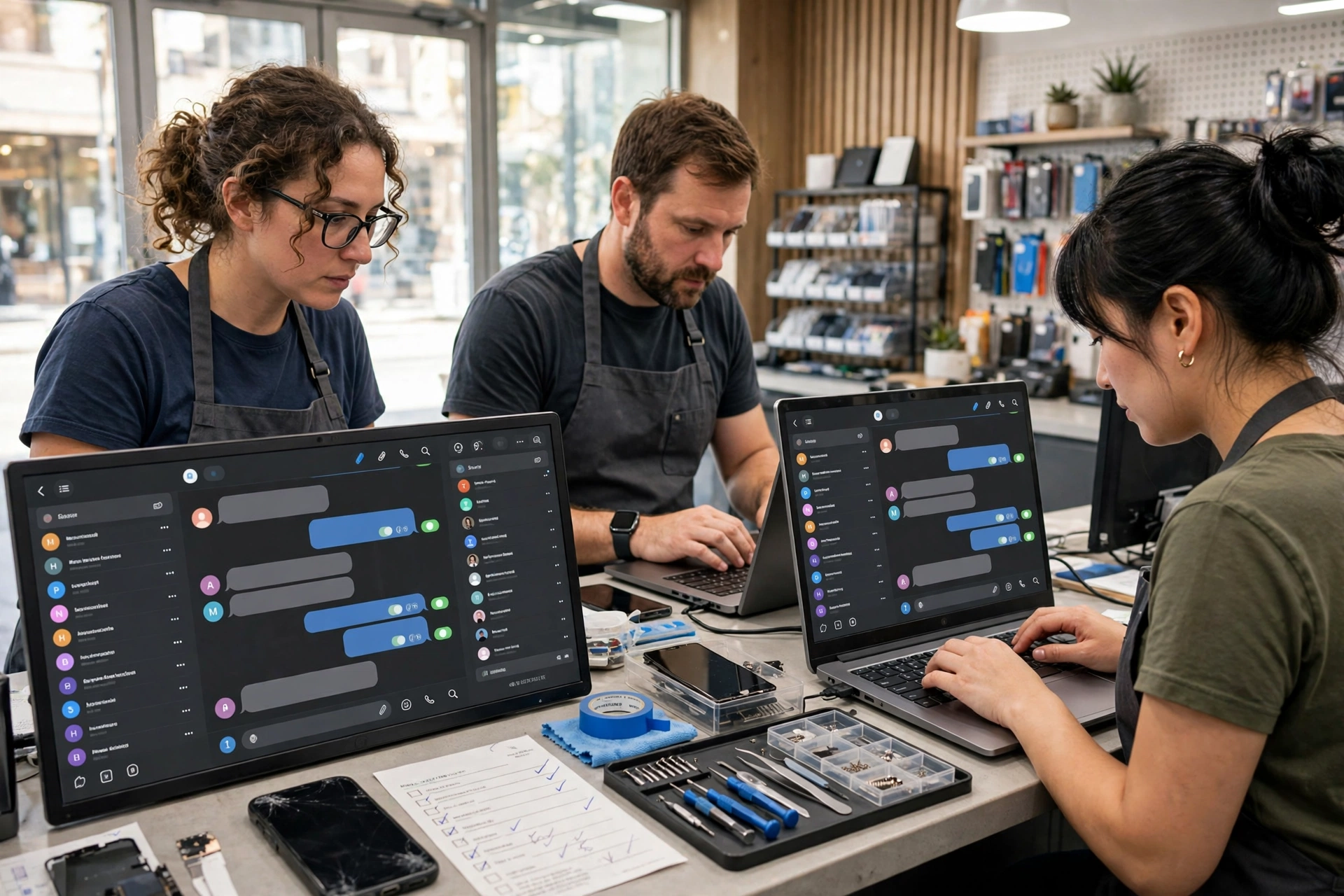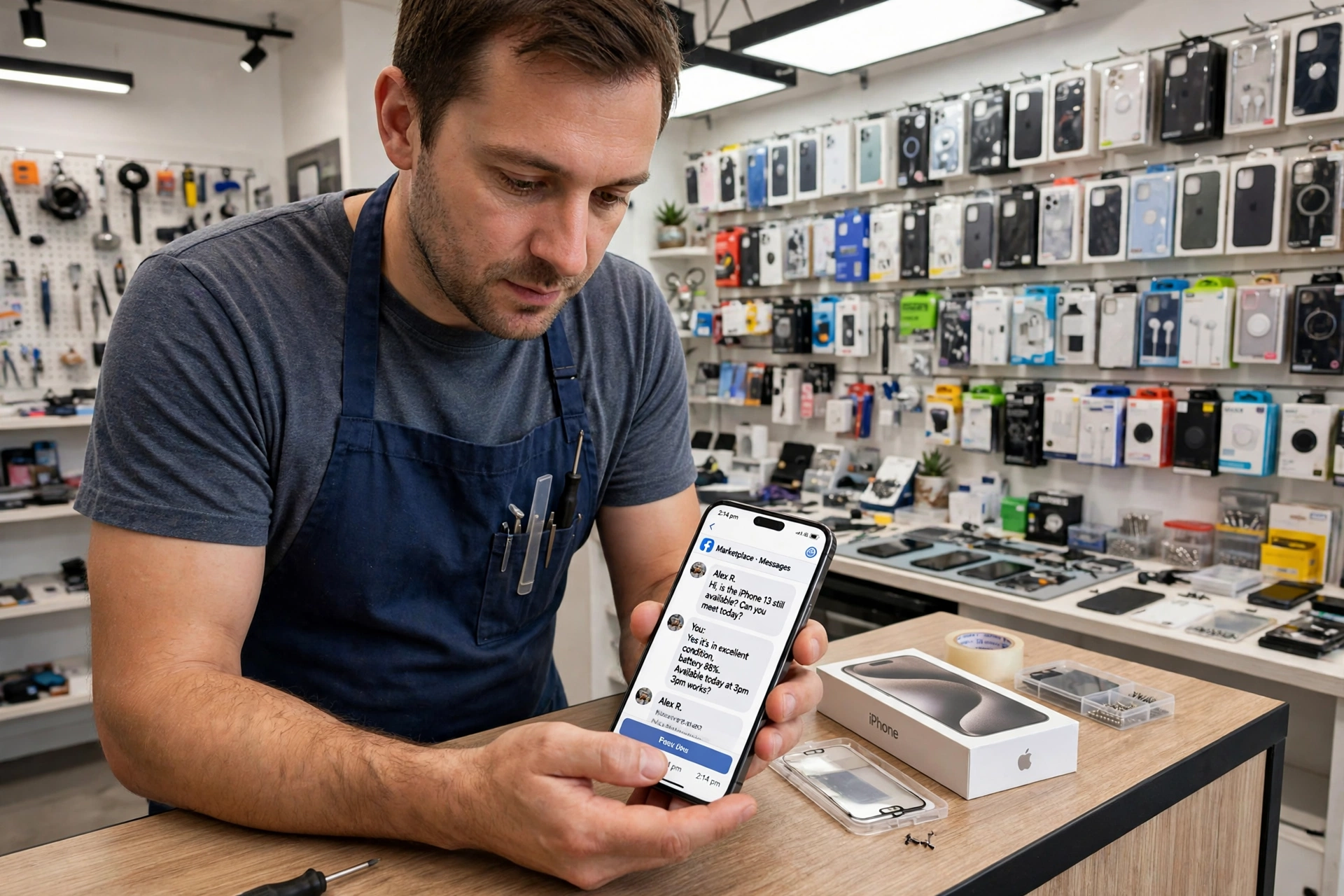
You list a phone at a fair price. Within the hour, five people message you. You answer two, get busy with a customer, and by the evening you have sold it to one of them. A week later you open a folder you never check and find the other three messages — including one from a buyer who would have paid full price and picked it up the same day.
This happens to Marketplace sellers constantly, and it is rarely about ignoring anyone. It is about where Facebook puts the messages. Marketplace chats do not all live in Messenger. They live in their own inbox, split across folders, and the buyer who is ready to pay today is often sitting in the one you never open.
Where the messages actually go
- The Marketplace inbox. On a phone: Menu, then Marketplace, then Profile, then Inbox. On a computer: Marketplace in the left menu, then Inbox, then Selling for buyers asking about your items. This is where buyer chats appear — not always in your main Messenger list.
- Message requests. If the buyer is not already a friend and has not messaged you before, their message can be filtered into requests, and you may not get a notification for it. Check it every time you list something, not only when you are expecting a reply.
- The spam folder inside requests. Requests has its own filtered section. Sellers report opening it and finding half a dozen messages from people asking if items are still available — none of which ever pinged.
- Archived chats. Marking an item as sold can archive the chat. A buyer asking about your other listing may be sitting in archived chats while you assume they went quiet.
- The app and the website do not always agree. A message can show in the Facebook app but not in Messenger, or the other way round, because the two do not always update at the same moment.
Why a fair-priced listing gets a stack of messages at once
A seller who posts something at a fair price does not get one message. They get a stack within the hour, most of them the one-tap "Is this still available?" — and they answer in the order that suits them, which is rarely the order the messages arrived in. The buyer who leads with a time and a price gets answered first. The buyer whose message lands in requests never gets seen at all. By the time you find it, they have bought from someone else.
What a missed message actually costs
- The sale itself — the buyer who would have paid full price and picked up today.
- The second sale: a buyer who never got a reply does not message you again about your next listing.
- A listing that sits while buyers assume you are not serious, because the "seen, no reply" pattern reads as a seller who has already agreed a sale.
- Hours of re-listing and re-answering the same questions for the next buyer, when the first one was already there.
The fix, step by step
- Check all three places every time you list. Marketplace inbox under Selling, message requests, and the filtered spam section inside requests. Two minutes, before you do anything else.
- Turn on Marketplace notifications and check they work. In Settings, under Notifications, then Marketplace — make sure buyer-message alerts are on. Then send yourself a test message from another account once, so you know the alert actually arrives.
- Answer the serious buyers first. Lead with a time and a price in your reply, and ask the buyer for the same. A buyer who names a pickup time today is worth answering before the five "is this available?" messages.
- Use a saved first reply. A short reply that confirms the item is available, states the price, and asks when they can pick up. It takes ten seconds to send, and it keeps the buyer from moving on while you finish with your current customer.
- Keep a daily sweep. Once a day, open the Marketplace inbox, requests, and archived chats, and answer anything unanswered. Anything older than a day gets one short follow-up offering a pickup time, then you move on.
- Mark items sold promptly — and check the archive after. Marking sold keeps the listing honest, but check archived chats the same day, because a live buyer can be sitting there.
What stays with a person
The judgement calls: which buyer is serious, what price you will actually accept, and when a deal has gone cold. The system keeps the watch: a daily sweep of every inbox, an instant first reply while you are busy, and a flag on any buyer message older than a few hours — so a ready buyer never waits a week in a folder you never opened.
A short weekly pass
Once a week, check your response pattern and ask three questions: did any buyer wait more than a day for a reply, did any message sit in requests or spam, and did any listing sell to a later buyer when an earlier one was never answered? Fix the folder you missed the same day. Most weeks the answer is nothing — that is the point of the pass.
The buyers are already messaging you. They are just landing in places you never look.
Next step
If Facebook Marketplace brings you buyers but the replies keep slipping through the cracks, book a free scoping call. On the call we map your Marketplace and Messenger workflow, set up the reply and sweep routine, and give you a fixed quote for the automation setup. No obligation — you keep the map either way.
Related: Facebook comment leads: reply before they vanish and How Houston service businesses stop losing leads from missed calls.