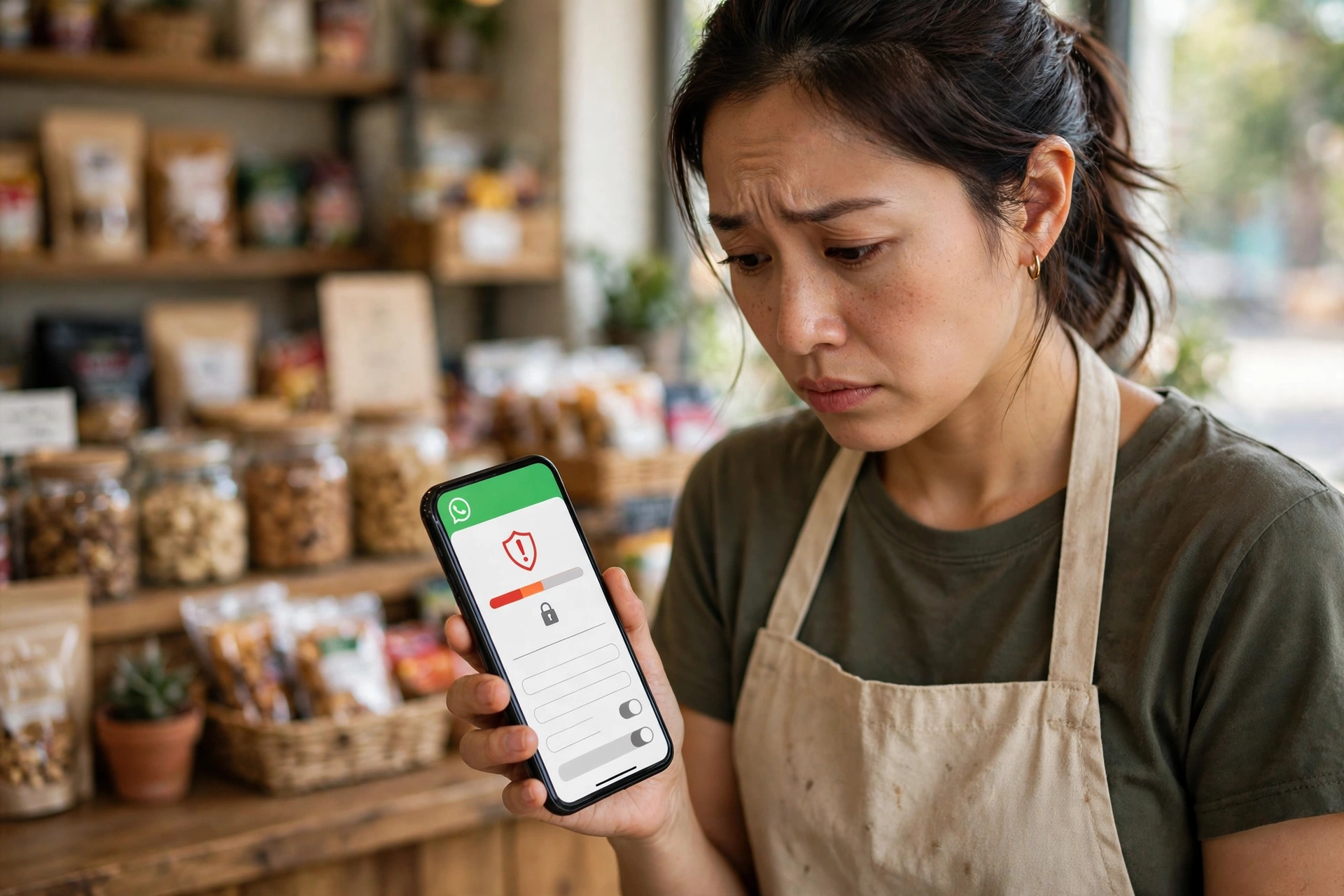
One morning you open WhatsApp Business and instead of your chats there is a ban notice. Your customer conversations, your catalogue, your labels, your broadcast lists — all locked inside an account you cannot use. For a small business that runs on WhatsApp, that is not an inconvenience. That is the shop door, locked, with the customers standing outside.
Bans feel random, but they rarely are. WhatsApp bans accounts it believes broke its rules, and the most common triggers are the same ones, over and over.
Banned, restricted, or just paused — read the message first
WhatsApp uses different states, and each one has a different fix. Read the exact message on your screen before you do anything:
- Temporary ban. A countdown timer in the app. It ends on its own when the timer runs out — but only if you fix whatever caused it.
- Restricted account. Limited functionality, often a messaging limit, because of quality issues or complaints. It improves if your behaviour improves.
- Banned. WhatsApp believes the account broke its Terms. The only official route back is the Request review button inside the app.
- Permanently banned. WhatsApp says the ban is final. If there is no review button, there is no appeal route.
Why accounts get banned
- Messaging people who never opted in. The big one. Bulk messages to numbers that never agreed to hear from you — bought lists, scraped contacts, old customer lists used for a new offer — are the fastest route to a ban.
- Too many blocks and reports. If recipients keep blocking or reporting your messages, WhatsApp reads it as spam, even if you think you are sending useful offers.
- Unofficial automation and modified apps. GB WhatsApp, WhatsApp Plus, browser extensions that send messages or scrape contacts, and any tool WhatsApp has not approved can trigger a ban on their own.
- Sudden volume spikes. A quiet account that suddenly blasts hundreds of messages in a day looks like a spam operation, whatever the intention.
- Selling restricted products. WhatsApp's Commerce Policy bans whole categories — including adult products, alcohol, tobacco, drugs, firearms, real-money gambling, dating services, and multilevel marketing. Some categories can message customers but cannot use the catalogue.
- Repeat violations. Restrictions get longer each time a violation repeats. A first temporary ban is a warning; the next one may not be.
What to do in the first hour
- Stop everything. Pause all campaigns, scheduled broadcasts, and any automation connected to the account. Continuing to send while banned can turn a temporary ban into a permanent one.
- Read the exact message. Timer or review prompt? Which policy does it name? Screenshot it — you will need the wording for the appeal.
- Gather your evidence. Recent message examples, proof of how customers opted in (a form, a QR code at the counter, a chat where they asked to be contacted), and a note of what changed recently — a new tool, a bigger broadcast, a new list.
- Request a review in the app. In the WhatsApp Business app, tap Request review. Keep it short and factual: what your business does, how customers reach you, how you get their permission, and what you have already fixed. Most reviews are completed within 24 hours, and on the API side Meta says appeal decisions typically take 24 to 48 hours.
- Do not try to go around it. Do not register a new number to dodge the ban, and do not use someone else's account to contact support — WhatsApp says that cannot reverse a ban or change the outcome, and a duplicate account can get banned too.
- Tell your customers another way. While you wait, use the channel you still have — a sign on the door, your Facebook page, email, a phone call — so regulars know you are still open and how to reach you.
What it actually costs you
- Every conversation, frozen. Orders in progress, quotes waiting for a reply, appointment confirmations — all stuck mid-chat.
- The catalogue and labels, gone with the account. If the ban is permanent, the product catalogue and the customer organisation you built over months go with it.
- Lost trust. A customer who messages you and hears nothing assumes you closed. Some will not come back.
- The repeat penalty. A second ban is longer and harder to appeal than the first. Each violation makes the next one worse.
The setup that keeps you unbanned
- Opt-in only, always. Message only people who gave you their number and agreed to hear from you. A checkbox at checkout, a QR code at the counter, a chat where they asked first — keep the proof.
- Warm up slowly. A new number or a quiet account should build volume gradually, not jump from ten messages a day to five hundred.
- Official tools only. Use the WhatsApp Business app or the official Business Platform. Uninstall modified apps and switch off browser extensions that send messages or pull contact data.
- Watch your quality signals. Blocks and reports are the early warning. If they climb, slow down and check what you are sending before WhatsApp does it for you.
- Keep a backup contact list. Your customer numbers, names, and order notes, kept outside WhatsApp — in your books or your CRM — so a ban never means losing your customers entirely.
- Separate the risky from the routine. One-to-one replies to customers who messaged you first are the safest messages you can send. Broadcasts to cold lists are the riskiest. Keep them apart, and keep the risky ones small, targeted, and infrequent.
What stays with a person
The judgement calls: whether a broadcast list is genuinely opted in, what to say in an appeal so it reads as a real business fixing a real mistake, and when a customer is worth a phone call instead of another message. The system keeps the guardrails: opt-in records filed, volumes watched, broadcasts paused the moment a ban lands, and a backup list that means no single account is ever the whole business.
A short weekly pass
Once a week, look at your WhatsApp health: any new blocks or reports, any broadcast that went to a list you have not checked lately, any tool or extension still connected that should not be? Fix the riskiest habit first — usually the list, not the message.
A banned account is not always the end of the business. But the businesses that get theirs back are the ones that can show they fixed the cause, not just the message.
Next step
If WhatsApp is your shop front and one ban could shut it down, book a free scoping call. On the call we map your WhatsApp follow-up workflow, find where the ban risk lives, and give you a fixed quote for the automation setup. No obligation — you keep the map either way.
Related: WhatsApp 24-hour reply window closed? What to do next and One WhatsApp number, one team: the shared inbox setup.