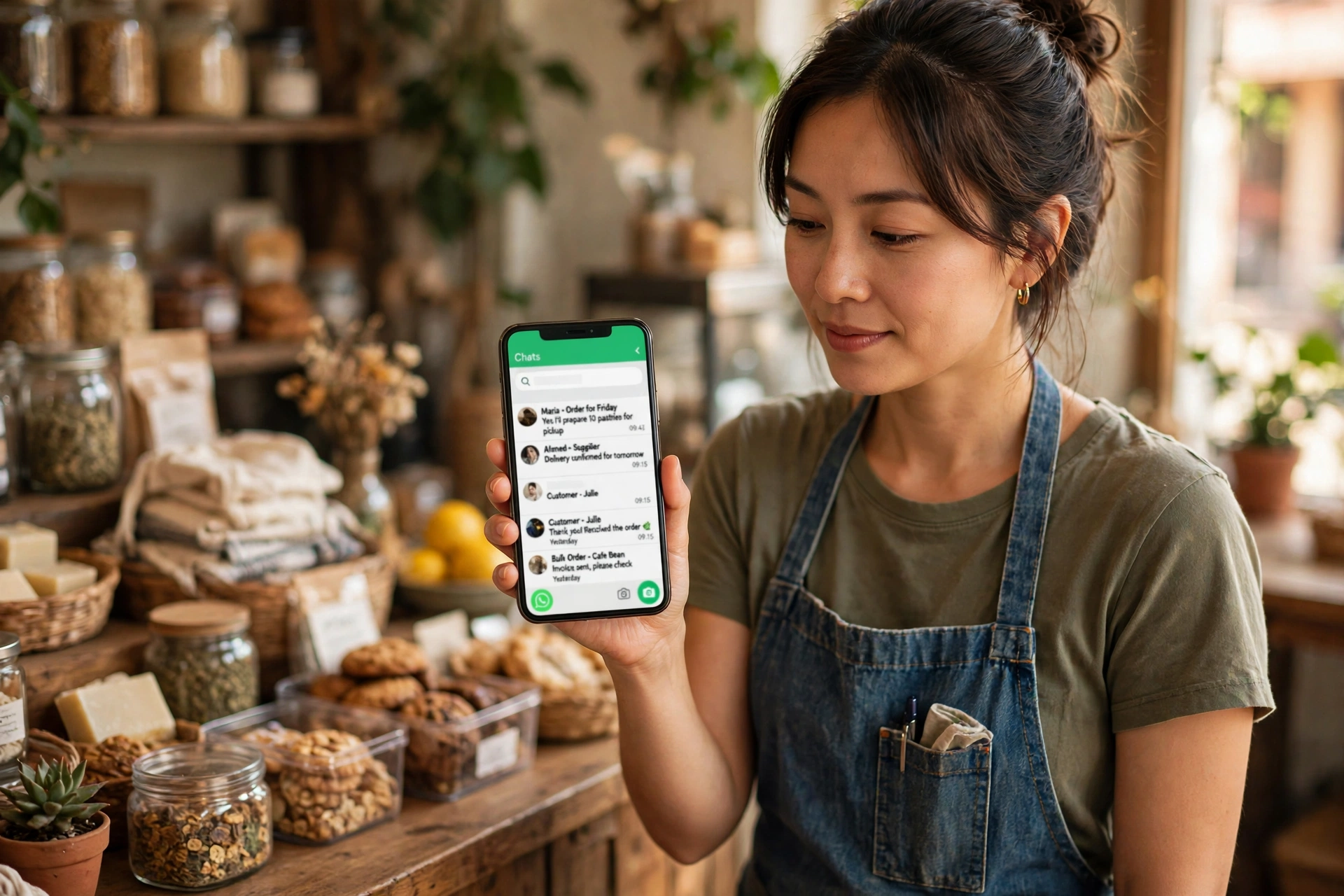
You spent an hour writing the announcement — new stock, this weekend only — and sent it to your broadcast list of 256 customers. Eight people replied. You assume the rest weren't interested. They probably never saw it.
That is how WhatsApp broadcast lists actually work, and it catches almost every small business out: a broadcast only reaches contacts who have saved your number in their phone. A customer who bought from you once, months ago, almost certainly has not. WhatsApp delivers to the people who saved you, skips the rest silently, and shows you no error and no list of who was missed. You did everything right and half your list heard nothing.
Why broadcasts quietly miss people
- The saved-number rule. Only contacts who saved your number receive a broadcast. Nothing in the app tells you which of your 256 contacts those are.
- The 256 cap per list. Bigger lists mean more lists, more sends, and more chances to message the same person twice or miss someone entirely.
- New monthly limits. WhatsApp is rolling out a monthly broadcast limit in some countries — around 35 free broadcast messages a month — with a nudge toward its paid broadcast tools.
- Unanswered chats count against you. If you keep writing first to people who never reply, you hit caps on new chats and your number starts getting flagged. Enough blocks and reports, and WhatsApp limits what you can send at all.
- No delivery report. A broadcast list gives you ticks on each chat, not a real report — delivered, read, replied, failed — so you cannot tell a bad message from a message that never arrived.
What a broadcast that never arrives actually costs
- A promotion that reaches a fraction of the people you paid to acquire as customers.
- Sales you assume didn't happen because of price, when the real reason was silence.
- The same message sent again and again to the same small circle, while the rest of the list goes cold.
- A number that gets reported and limited, because the only people you can reach are the ones who already hear from you too often.
The setup that reaches the whole list
- Sort the list before you send. Split customers into people who saved your number (broadcast lists work for them) and people who didn't (they need a different route). A quick reply or a tap on a link is the simplest way to know.
- Use broadcast lists for regulars only. Keep lists small, to people who bought recently and replied before. That is what the free tool is built for.
- Move the bigger list to approved templates. For opted-in customers at scale, the WhatsApp Business Platform sends approved templates with real delivery, read, and reply stats — and reaches people who never saved your number.
- Earn the opt-in first. A template only works for people who agreed to hear from you. Ask at checkout, on the order confirmation, or after a first purchase — one clear line, not a pre-ticked box.
- Send in waves, read the replies, then stop. After the first wave, look at blocks, reports, and replies before sending the next. Small, relevant messages that invite a reply beat one big blast every time.
- Let a person write the message. Templates and timing can be automated; the words, the offer, and the decision about who gets messaged are human calls. Anything that sounds like a bulk blast should never go out unchecked.
What stays with a person
The relationship. Deciding who is a warm customer and who is a cold number, what offer is worth interrupting someone for, and when to stop messaging are judgement calls. The system keeps the list clean, the templates approved, and the delivery report honest — a person decides what gets sent and to whom.
A short weekly pass
Once a week, look at the last broadcast and ask three questions: how many people actually received it, how many replied, and how many new numbers did we add to the opted-in list? If received is far below sent, the list — not the message — is the problem, and the fix is earning more opt-ins, not writing a louder announcement.
Your customers did not ignore you. Half of them never got the message. Fix the list, and the same announcement starts reaching the people it was written for.
Next step
If your WhatsApp announcements keep landing on deaf ears, book a free scoping call. On the call we map your follow-up workflow, sort out who you can actually reach, and give you a fixed quote for the automation setup. No obligation — you keep the map either way.
Related: WhatsApp lead follow-up automation for service businesses and The WhatsApp 24-hour window: what to do when it closes.